Apple Home Automations: Build Routines You Can Trust
HOMETECHSENSE · SMART-HOME GUIDES
Apple Home Automations: Build Routines You Can Trust
An automation should have a clear trigger and a predictable result. Apple Home can organize supported accessories into scenes and routines, but a small, tested rule is usually the best place to start.

Separate a scene from a trigger
A scene groups supported actions that you can start together. An automation decides when actions should run. Apple documents triggers based on time, location, accessory changes and sensor events; availability depends on the setup and accessory.
Build and test one rule
- Choose a low-risk first routine, such as an evening light scene.
- Confirm each accessory can be controlled normally in Home.
- Add a specific trigger and limit when it should apply.
- Test the result, manual override and behavior when household members come and go.
Check shared use and network needs
Review who can manage the home and confirm the hub or border-router requirements for remote access, notifications and your particular devices. Keep location-based rules understandable so a routine does not surprise another person in the household.
As an Amazon Associate I earn from qualifying purchases. HomeTechSense may earn a commission when you buy through affiliate links on this page.
Options to compare
These are comparison starting points, not a tested ranking. Confirm the exact model, regional version, included accessories and retailer terms.
Eve Door & Window Matter
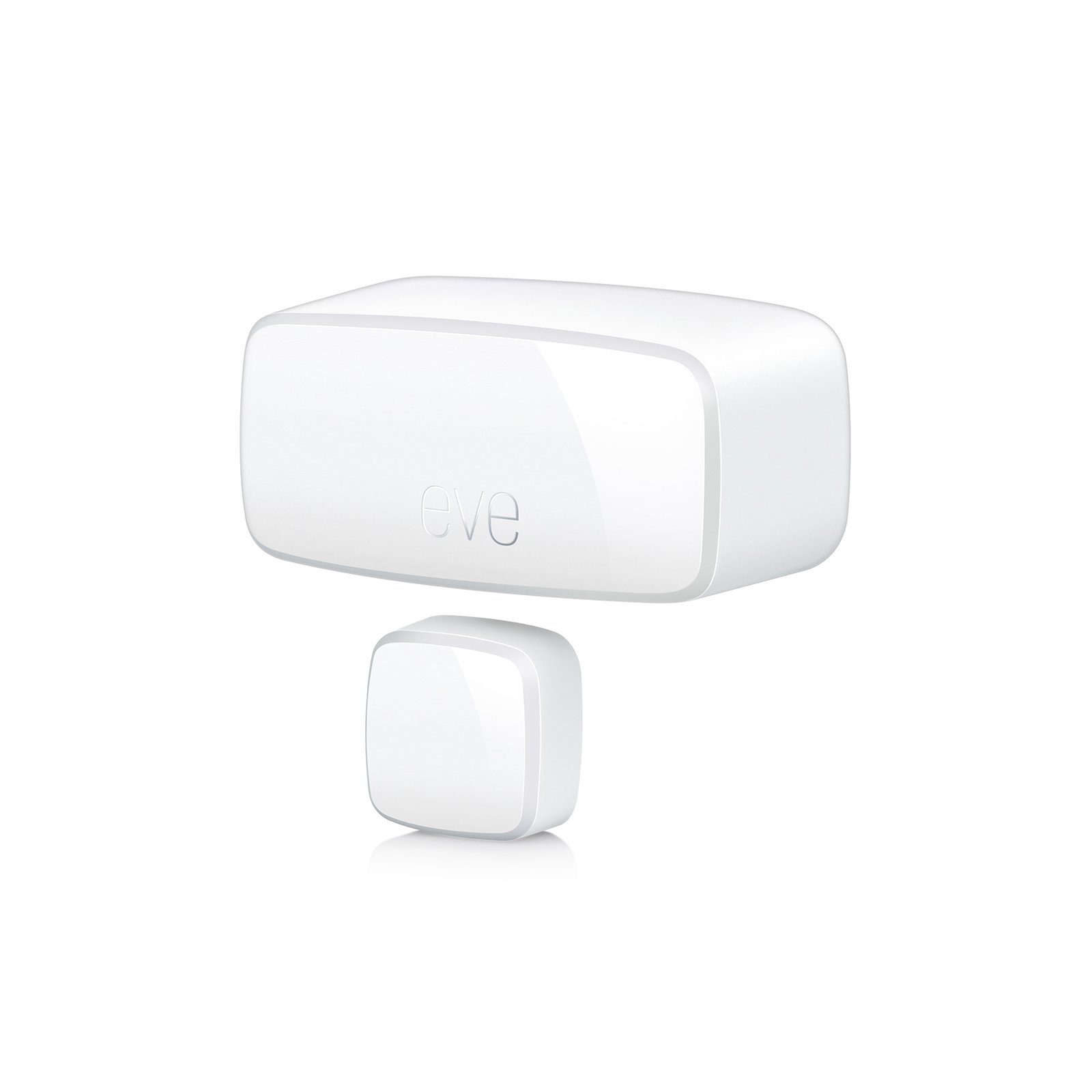
An open/closed sensor for a compatible Matter-over-Thread setup. Check hub and border-router requirements.
View Eve Door & Window Matter on AmazonEve Energy Matter
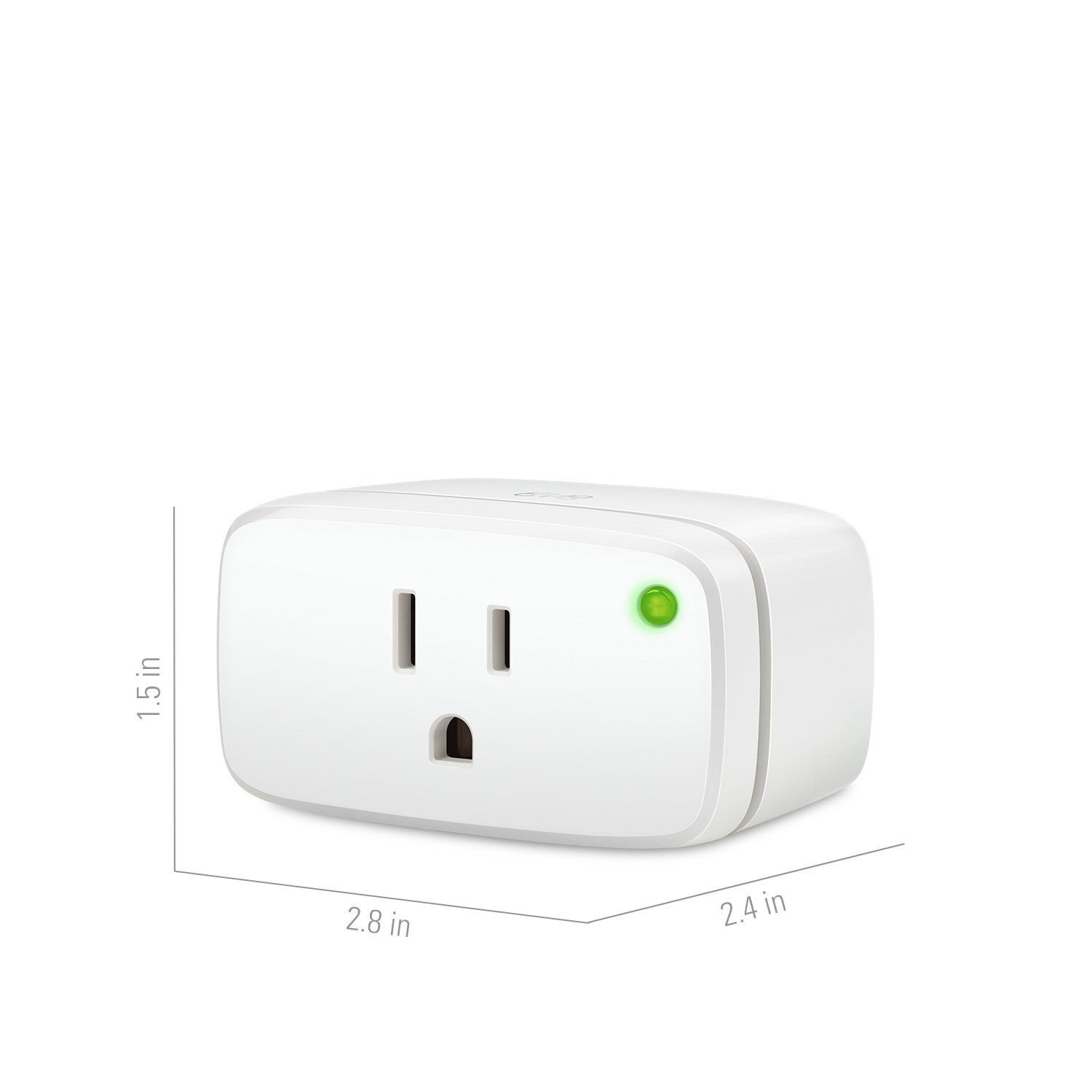
A Matter smart plug for a compatible setup. Check regional plug type and Thread requirements.
View Eve Energy Matter on AmazonKeep exploring
Understand Matter compatibility · Suggest a correction or ask an editorial question
Official sources and next steps
This is a research-based guide. It does not claim hands-on testing or replace the exact product’s installation instructions. Product support and retailer listings can change. Checked November 2026.
One Comment